
Technical buyer guide
Vacuum Circuit Breaker Selection: Duty and Switchgear Interfaces
Check voltage, interruption duty, special switching loads, mechanical geometry and auxiliary circuits together. Matching a vacuum breaker by model name, current and kA alone can miss critical interfaces.
TL;DR
The short answer
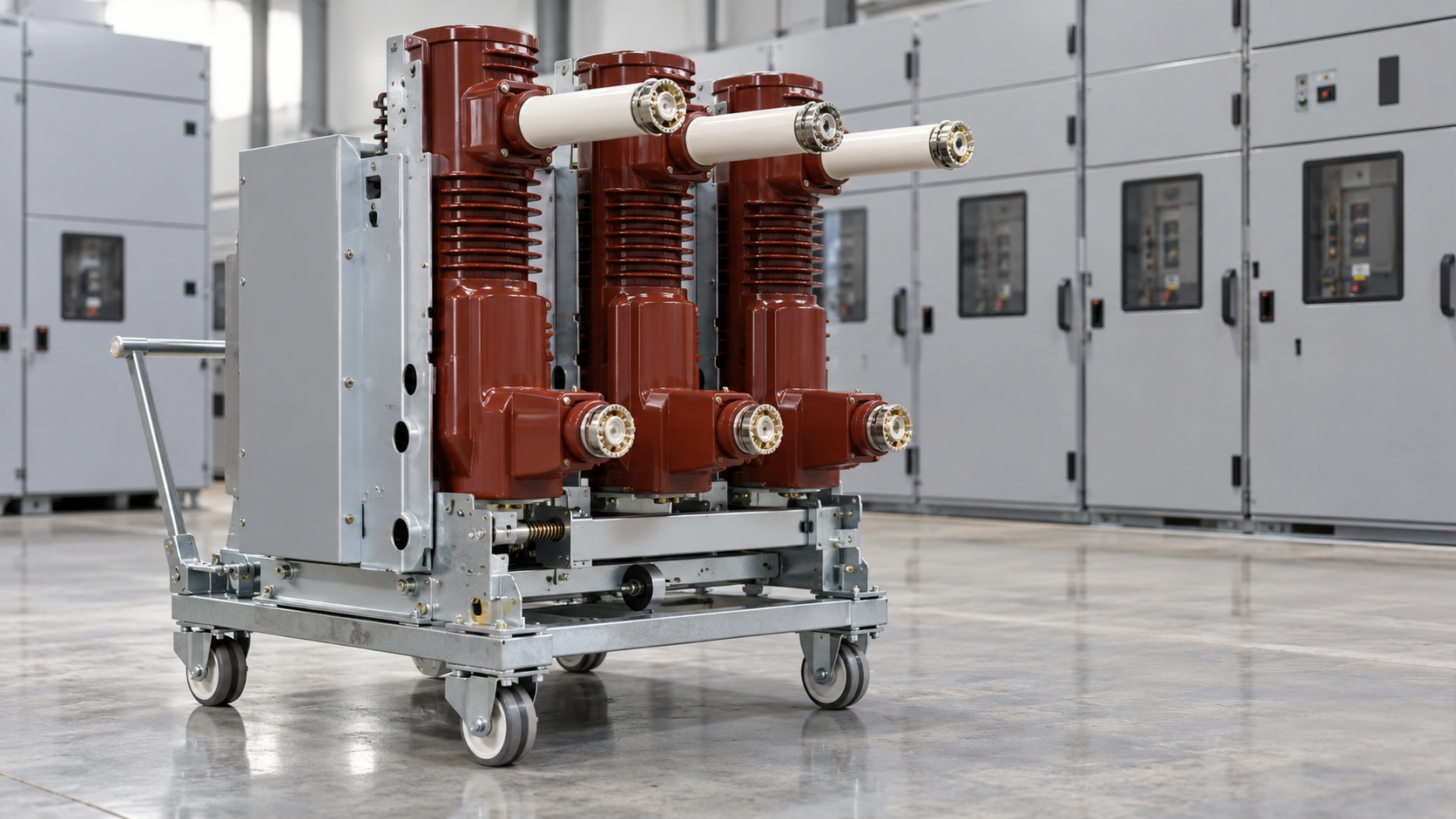
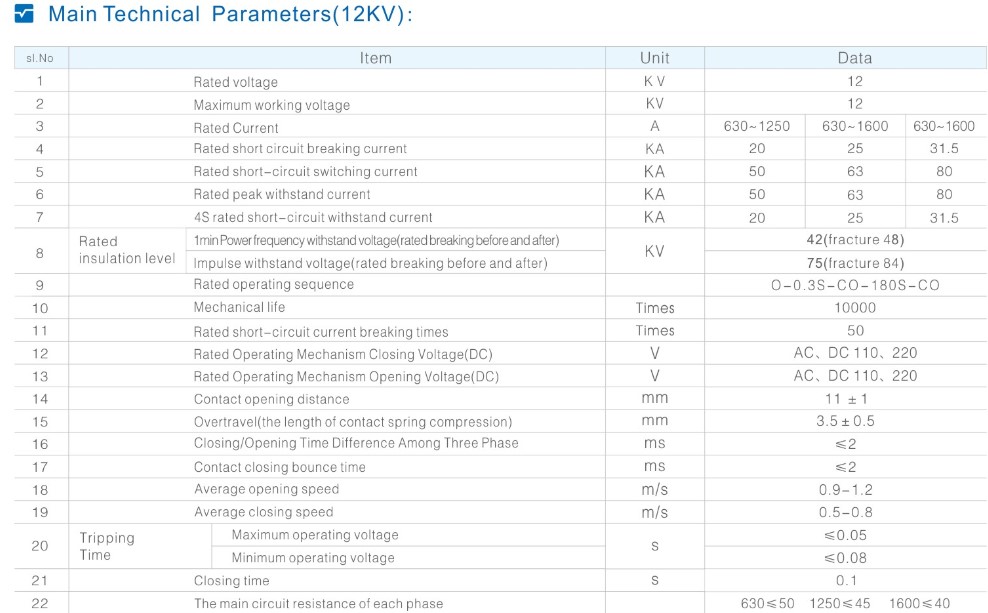
Select a vacuum circuit breaker against the network voltage and insulation requirement, continuous current under stated conditions, short-circuit interruption and making duties, operating sequence and any special switching application. Then verify pole spacing, contacts, truck, shutters, interlocks and auxiliary wiring against the exact switchgear. Equal headline ratings do not establish interchangeability.
For a panel builder replacing a breaker or an industrial owner specifying a new feeder, electrical duty and integration are separate approval tasks. A device can interrupt the required fault yet be unsuitable for the existing truck, wiring or interlocks. This guide is a purchase and engineering review checklist, not a switching, racking or maintenance procedure.
1. Define the complete electrical duty envelope
Start with system voltage, frequency, insulation coordination, service current and the fault-study results. The fault specification needs more than one kA figure: the required breaking duty, making peak, short-time withstand duration and relevant network conditions must be understood together. Ask whether the offered breaker matches the required operating sequence and control supply. Do not transfer a rating between frequencies, environmental conditions or product variants without the manufacturer’s confirmation.
2. Identify special switching duties before ordering
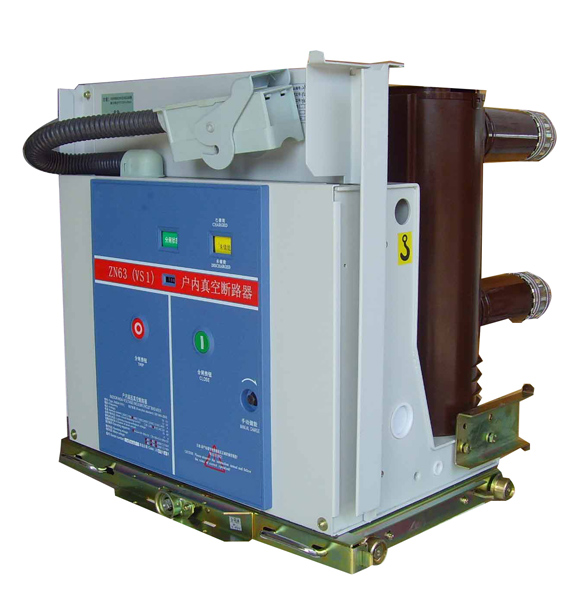
Motor, capacitor, transformer and generator applications can place different demands on a breaker. Specify the load type and ask which application-specific assessment or test evidence supports the offer. Where relevant, the engineer should confirm transient recovery voltage and any special current asymmetry or capacitive switching requirements. A general distribution-breaker label is not a substitute for that review, and a higher headline interrupting current is not a universal cure for an unsuitable duty.
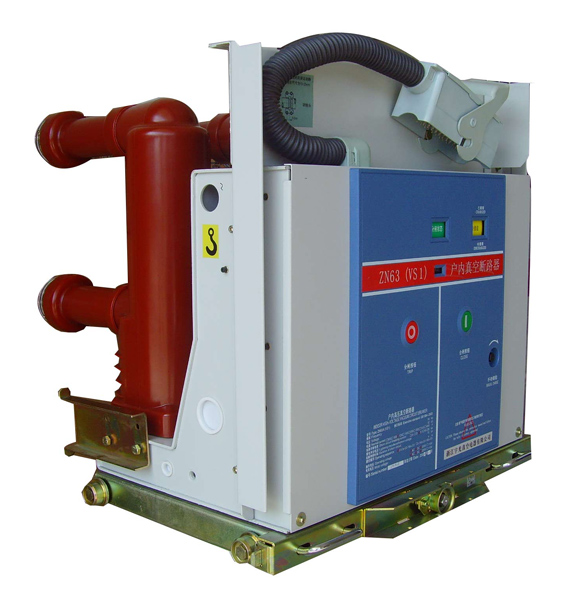
Application and ordering parameters · Manufacturer variant context
3. Verify the switchgear interface as a complete system
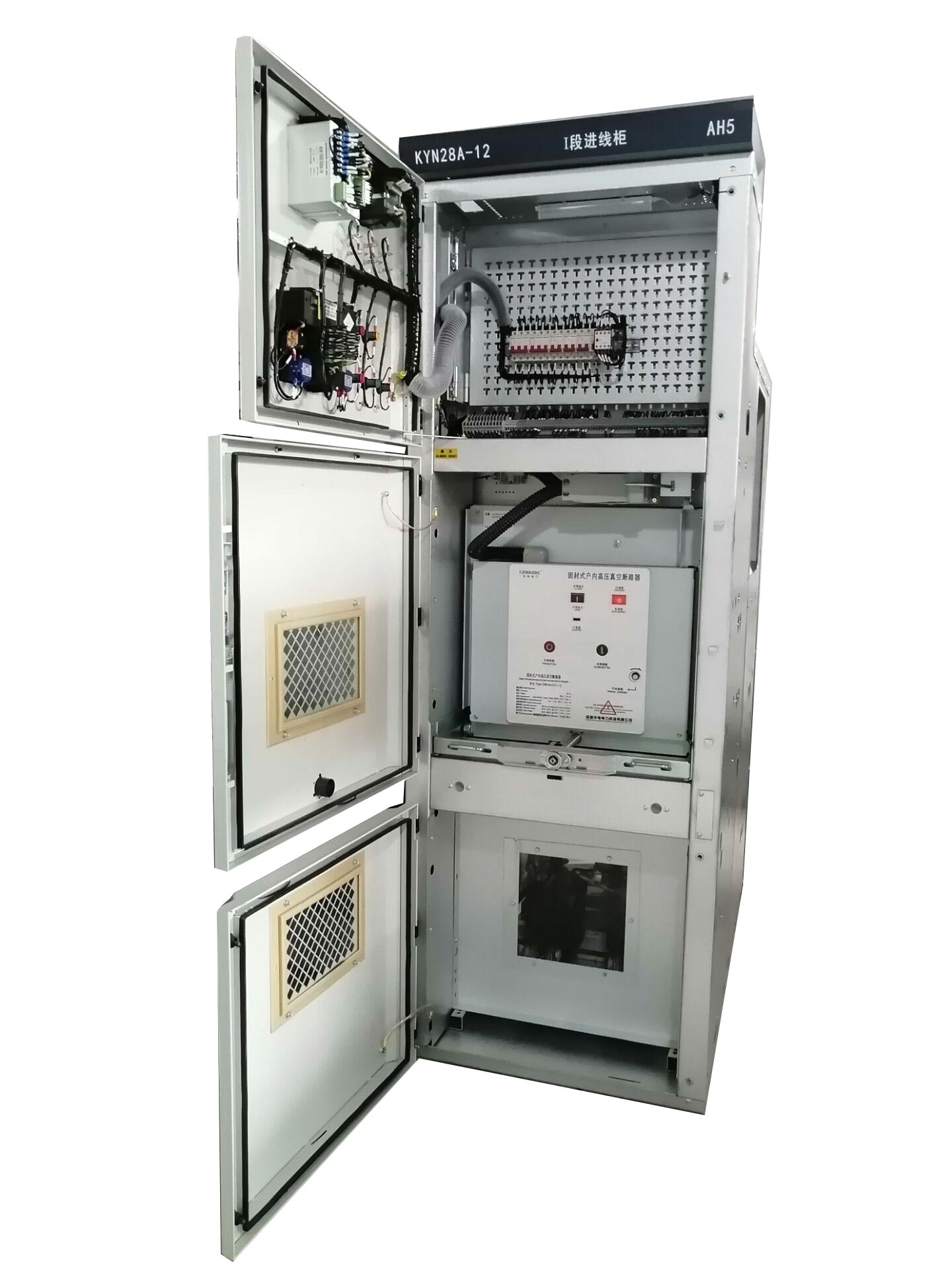
Use a controlled interface sheet with current drawings of both the breaker and the panel. The offer should state whether it is a fixed device, a withdrawable assembly or a retrofit package. For an existing installation, request written compatibility confirmation rather than relying on photographs or a supplier’s statement that it fits a common model. Any changed interface must have an engineering owner and an acceptance criterion.
| Interface | Check against the existing or proposed panel | Required evidence |
|---|---|---|
| Primary geometry | Pole spacing, contact height, engagement and insulation envelope | Controlled dimensional and interface drawings |
| Truck and compartment | Travel, latches, shutters and handling arrangement | Assembly-specific compatibility statement |
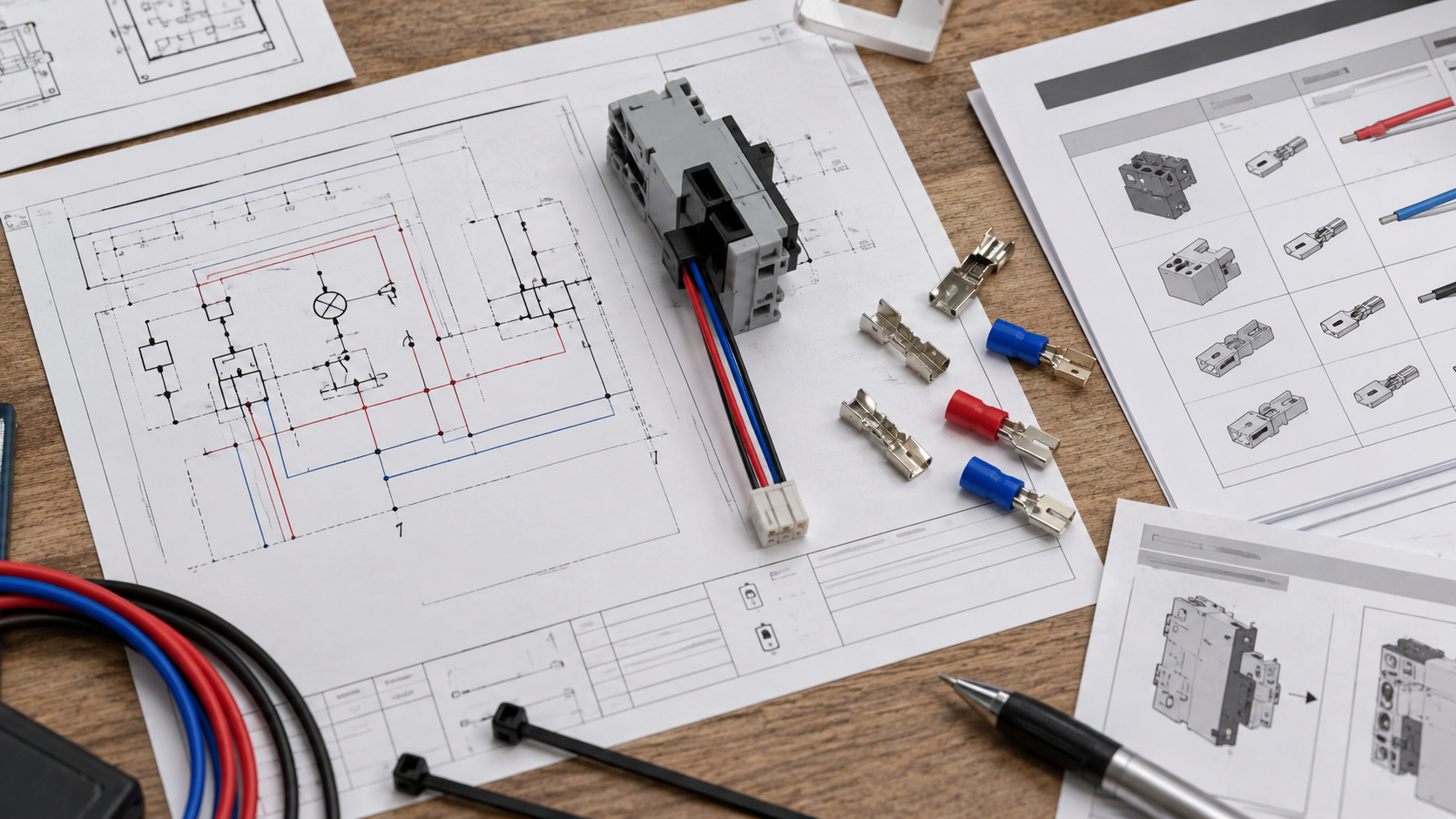
| Control circuits | Supply type and voltage, releases, motor and auxiliary contacts | Schematic and terminal/plug pin schedule |
| Interlocks | Mechanical and electrical logic for the exact panel | Approved interlock matrix and verification plan |
| Duty and records | Offered ratings, special application and configuration identity | Matching data sheet and relevant test references |
4. Match the control scheme and the offered identity
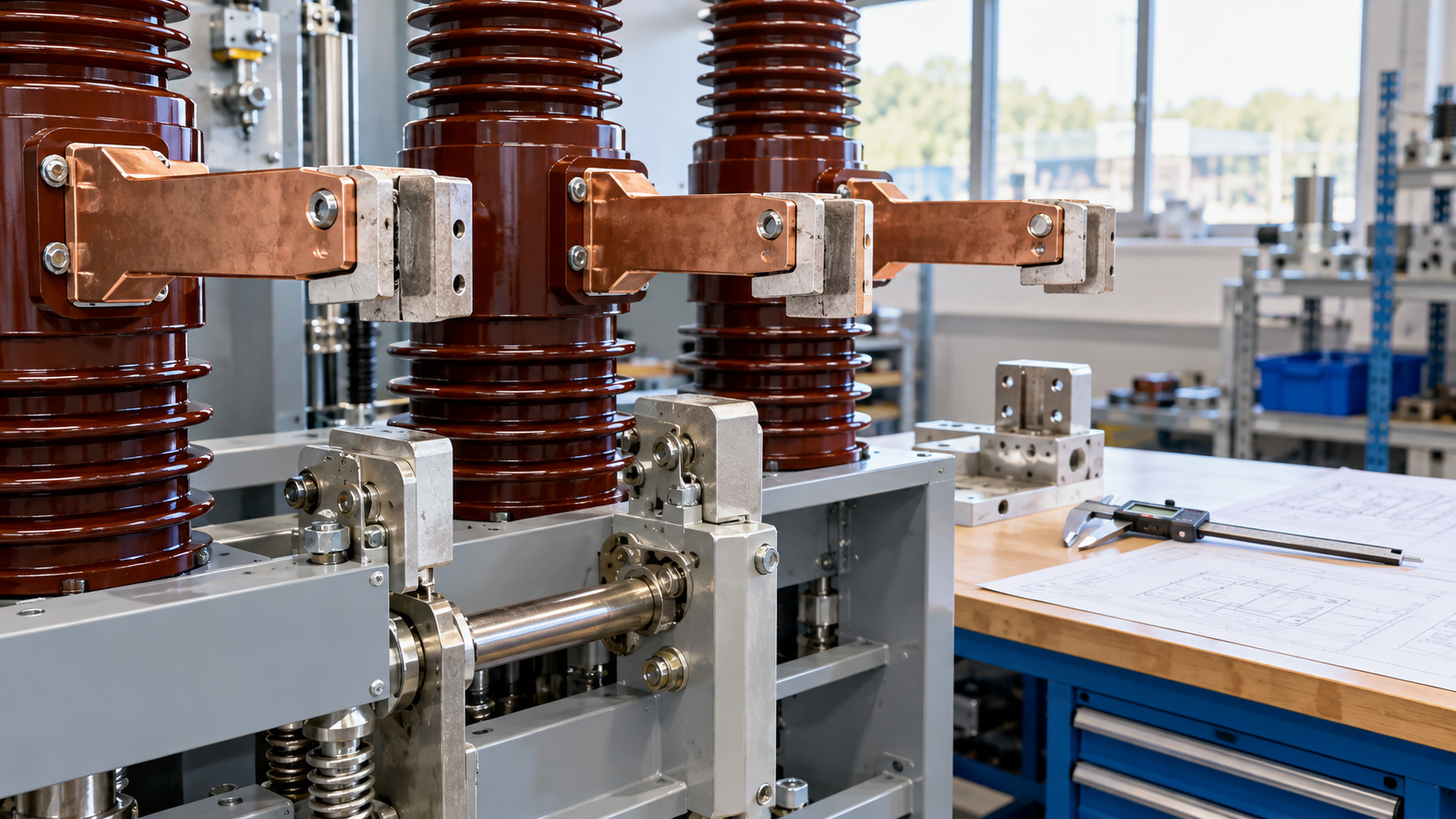
Control-voltage errors and plug mismatches can invalidate an otherwise plausible replacement. Confirm the exact circuit diagrams, terminal numbering, coil and motor supplies, indication contacts and required monitoring outputs. Schneider Electric’s September 2026 software-defined MV announcement also shows why control and data interfaces deserve explicit ownership. It is industry context, not an ELCZEEN feature claim. Separately, vacuum describes the interrupting medium; it does not establish the insulation medium of the entire switchgear assembly.
Breaker and cradle documentation context · Recent control-interface context
5. Approve the replacement or new-build package
Treat unresolved ratings, geometry or interlocks as hold points rather than installation adjustments. A documented pre-order review should link the offered breaker identity to the panel drawings, protection scheme, relevant tests and agreed acceptance checks. For replacements, retain the existing nameplate and drawing references alongside the new proposal so the differences remain visible. Installation and commissioning must follow the approved manufacturer and site documentation.
Electrical acceptance
- 1Voltage and insulation
- 2Fault and special switching duties
- 3Stated service conditions
Integration acceptance
- 1Contacts, truck and compartment
- 2Control circuits and indication
- 3Interlocks and approved drawings
- 01Define network and load duty
- 02Check the electrical envelope
- 03Reconcile mechanical and control interfaces
- 04Review configuration-matched evidence
- 05Approve the acceptance plan
Frequently asked questions
Are equal current and kA ratings enough for replacement?+
No. Voltage and duty details, geometry, contacts, truck, interlocks and auxiliary wiring must also match the exact application. Obtain written configuration-specific compatibility confirmation.
Does a vacuum breaker make the whole switchgear SF6-free?+
Not necessarily. Vacuum describes interruption inside the breaker. The assembly may use a different insulation arrangement. Confirm the complete assembly’s materials, design and destination requirements separately.
Can a standard distribution breaker serve a generator circuit?+
Do not assume so. Generator duty can require a separate application assessment and supporting evidence. Give the manufacturer the system study and required switching cases before ordering.
What should accompany the first breaker inquiry?+
Send the required duty, panel identity, existing nameplate if applicable, dimensional drawings and control schematics. Identify whether the request is for a fixed device, withdrawable assembly or engineered retrofit.
Sources and further reading
Source scope and publication dates matter. Check the specified edition and the requirements applicable to your project.
- IEC 62271-100: AC circuit-breaker scope
- ABB: VD4 vacuum breaker family
- Siemens: SION selection and technical catalog
- Schneider Electric: EvoPacT breaker and cradle user guide
- Schneider Electric: software-defined MV announcement
Sources checked:
Related equipment
Compare the relevant product models
Turn the specification into a clear inquiry
Send the network-duty schedule and panel interface drawings to discuss the correct VS1-family configuration and the documents needed for approval.